Sorry I am not with you today.
Please complete your Final Portfolio this morning and check your grades for any work you still may need to make up.
Wednesday, May 15, 2019

Friday, May 10, 2019
Art work Tags
Use this link to create your tags:
https://docs.google.com/
https://docs.google.com/
Final Portfolio
Seniors Please complete your Final Portfolio.
Here is a good example of the project
http://katelynbphoto2.blogspot.com/
Make sure that all of the pictures have been DESATURATED - Converted to Black and White.
In the first section you will post your 15 strongest images from the semester and provide a brief critique of each including 1 very strong element and 1 element you could improve upon. NOTE- Pick something from the Critique Guide.
In the second part you will provide an assessment of your portfolio and your work ethic.
Overall Portfolio-Semester work
Please answer the following questions about your overall work this semester using the 1-4 scale:
1=Not at all, 2=Somewhat, 3=Mostly, 4=Absolutely
I completed my assignments on time 1 2 3 4
I fulfilled all assignments 1 2 3 4
Made good use of class time 1 2 3 4
Used a creative approach 1 2 3 4
My pictures unique and original 1 2 3 4
My craftsmanship is excellent 1 2 3 4
My images are sharp and focused 1 2 3 4
My images are well composed 1 2 3 4
My images have good contrast and exposure 1 2 3 4
Here is a good example of the project
http://katelynbphoto2.blogspot.com/
Make sure that all of the pictures have been DESATURATED - Converted to Black and White.
In the first section you will post your 15 strongest images from the semester and provide a brief critique of each including 1 very strong element and 1 element you could improve upon. NOTE- Pick something from the Critique Guide.
In the second part you will provide an assessment of your portfolio and your work ethic.
Overall Portfolio-Semester work
Please answer the following questions about your overall work this semester using the 1-4 scale:
1=Not at all, 2=Somewhat, 3=Mostly, 4=Absolutely
I completed my assignments on time 1 2 3 4
I fulfilled all assignments 1 2 3 4
Made good use of class time 1 2 3 4
Used a creative approach 1 2 3 4
My pictures unique and original 1 2 3 4
My craftsmanship is excellent 1 2 3 4
My images are sharp and focused 1 2 3 4
My images are well composed 1 2 3 4
My images have good contrast and exposure 1 2 3 4
My photography sets a mood 1 2 3 4
Wednesday, May 8, 2019
Catch-Up Day
Today I would like to go over your blogs and make sure everybody is either all up to date or if we need to do some catch up work.
The following projects are now due:
Ozark Square Photographs
2 Critiques of Ozark Square Photos
Shadow Photographs
Flowers Photographs
Ansel Adams Scholastic magazine
Garrison Springs Photographs
2 Critiques of Garrison Springs Photos
Still Life Photographs
The following projects are now due:
Ozark Square Photographs
2 Critiques of Ozark Square Photos
Shadow Photographs
Flowers Photographs
Ansel Adams Scholastic magazine
Garrison Springs Photographs
2 Critiques of Garrison Springs Photos
Still Life Photographs
Monday, May 6, 2019
Edit and Post Your Still Life Photographs
Today we will work on our Still Life pictures in Photoshop and post them to our blog.
Desaturate, Adjust Levels, Dodge, Burn, Crop and use the Clone tool as needed to create 3-5 Final Still Life Photographs.
Due today.
Desaturate, Adjust Levels, Dodge, Burn, Crop and use the Clone tool as needed to create 3-5 Final Still Life Photographs.
Due today.
Thursday, May 2, 2019
Still Life Photography
Today we will set up and photograph a Still Life photograph using various objects and lighting.
In a Still Life photograph you have complete control over the composition, lighting, and exposure settings of the picture.
It does not have to be composed of a lot of things. A single object that is dramatically lighted is sometimes the best way to go.
You need to take the foreground and background into consideration as well. Choose a dark backdrop or textures in your picture as well.
You can focus on close ups and details....

or use Shallow Depth of Field

or capture the entire object with dramatic shadows....

or set up an interesting composition...


Use shadows and repetition

or use even lighting
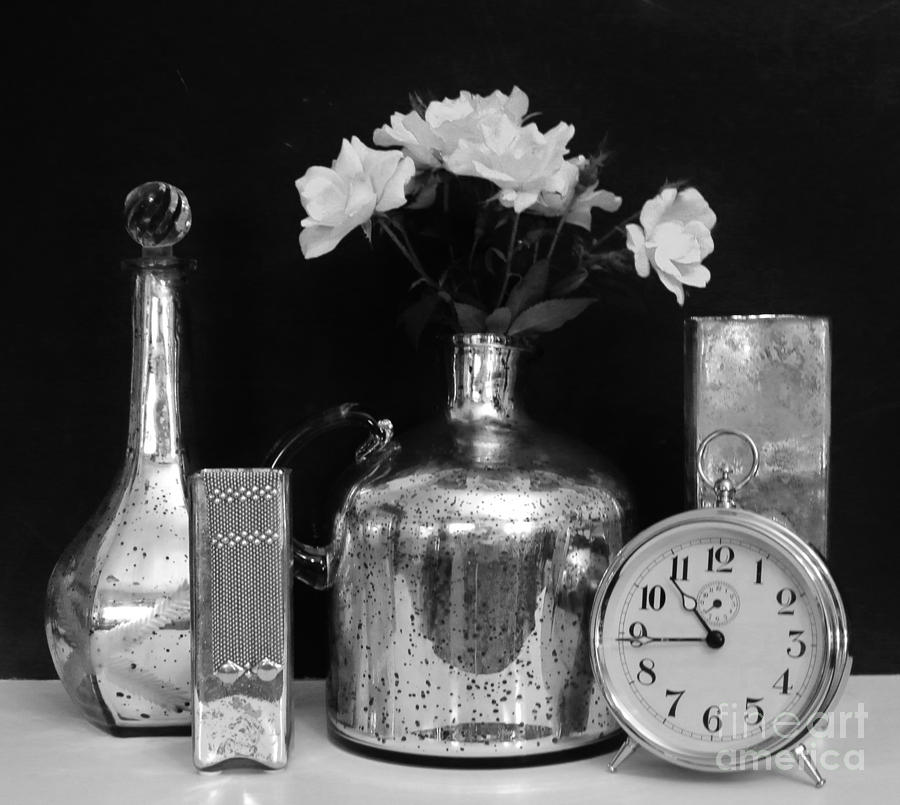
In a Still Life photograph you have complete control over the composition, lighting, and exposure settings of the picture.
It does not have to be composed of a lot of things. A single object that is dramatically lighted is sometimes the best way to go.
You need to take the foreground and background into consideration as well. Choose a dark backdrop or textures in your picture as well.
You can focus on close ups and details....
or use Shallow Depth of Field
or capture the entire object with dramatic shadows....
or set up an interesting composition...
Use shadows and repetition
or use even lighting
Monday, April 29, 2019
Garrison Springs Critiques
Today you will write TWO thorough critiques using the Critique Guide.
Copy and Paste the questions from the Critique Guide and change your answers to a different text color.
1. the first will be a critique of one of your pictures from field trip. Include a copy of the picture with your critique.
2. The second will be a critique of one of your classmate's pictures from the field trip. Include the picture and the name of the classmate.
Here is a good example of a written critique:
http://jessicamphoto13afall16.blogspot.com/2016/09/personal-critique-of-ozark-square.html
Copy and Paste the questions from the Critique Guide and change your answers to a different text color.
1. the first will be a critique of one of your pictures from field trip. Include a copy of the picture with your critique.
2. The second will be a critique of one of your classmate's pictures from the field trip. Include the picture and the name of the classmate.
Here is a good example of a written critique:
http://jessicamphoto13afall16.blogspot.com/2016/09/personal-critique-of-ozark-square.html
Thursday, April 25, 2019
Edit and Post Your Garrison Springs Images
Download, Edit, and Post the Garrison Springs Pictures from the field trip.
Crop, De-saturate and adjust Levels to get the best possible image.
Your pictures should include 3 examples each of:
3 Nature Scenes including 1 landscape
3 Natural Details - either Close ups or Textures
4 additional pictures of your choice from the field trip
Pick one of the pictures and write a thorough critique in a new blog post


Crop, De-saturate and adjust Levels to get the best possible image.
Your pictures should include 3 examples each of:
3 Nature Scenes including 1 landscape
3 Natural Details - either Close ups or Textures
4 additional pictures of your choice from the field trip
Pick one of the pictures and write a thorough critique in a new blog post
Wednesday, April 17, 2019
Get to Know Ansel Adams
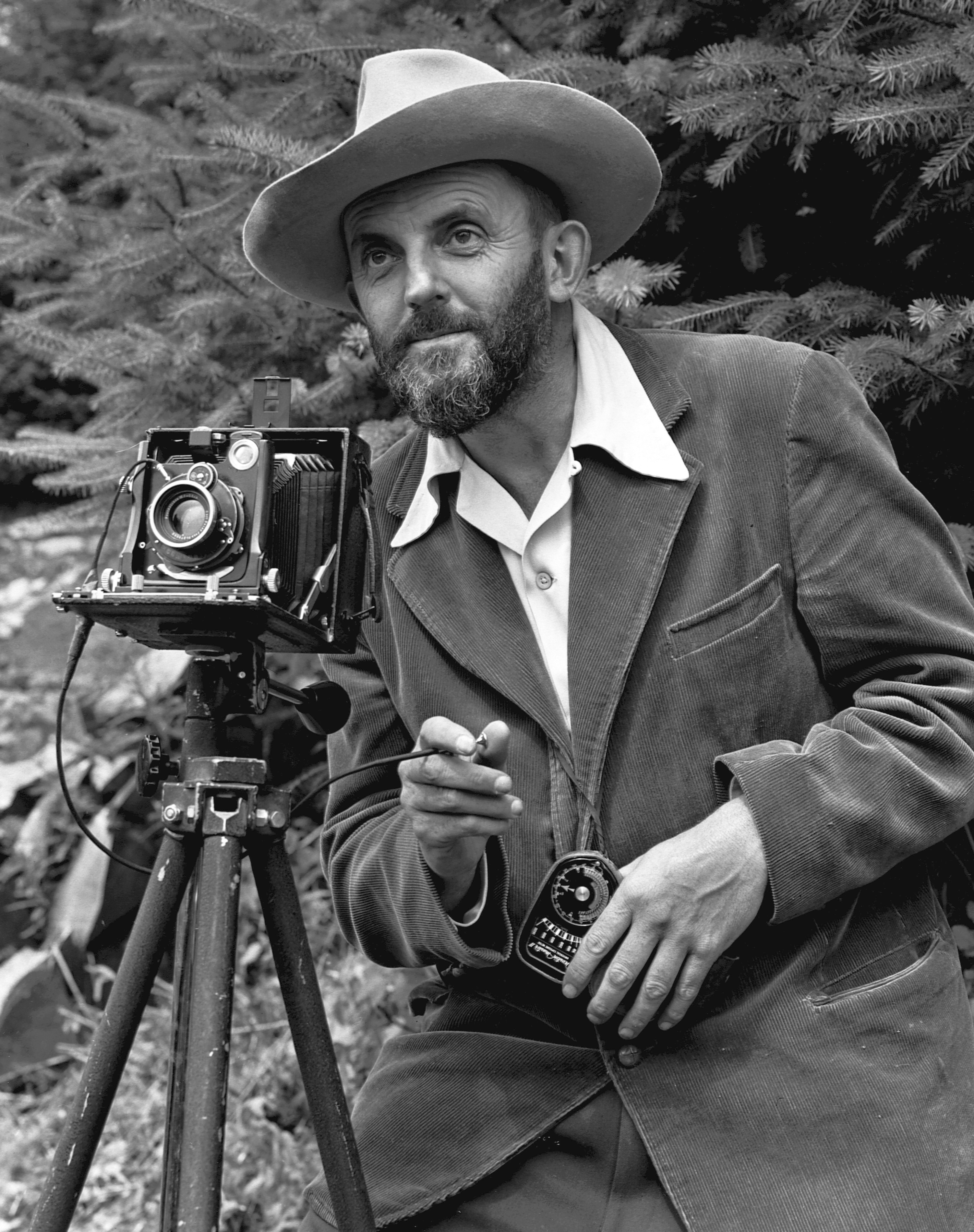

Next week we will take a field trip to Garrison Springs to photograph landscapes and nature, but before we go there is a famous landscape photographer we should get to know.
We'll read about Ansel Adams and answer the questions from Scholastic magazine. Please don't write on the sheet, instead put the answers in a new blog post.
After you finish the blog post, go to anseladams.com and explore the site. Pick 3 of your favorite pictures and upload them to the blog post.
Thursday, April 11, 2019
Edit Shadows and Flowers
Today we will edit the shadows and flower pictures we took last class.
Make the shadows high contrast Black and White and next I will give a Photoshop demo of interesting ideas for the flowers.

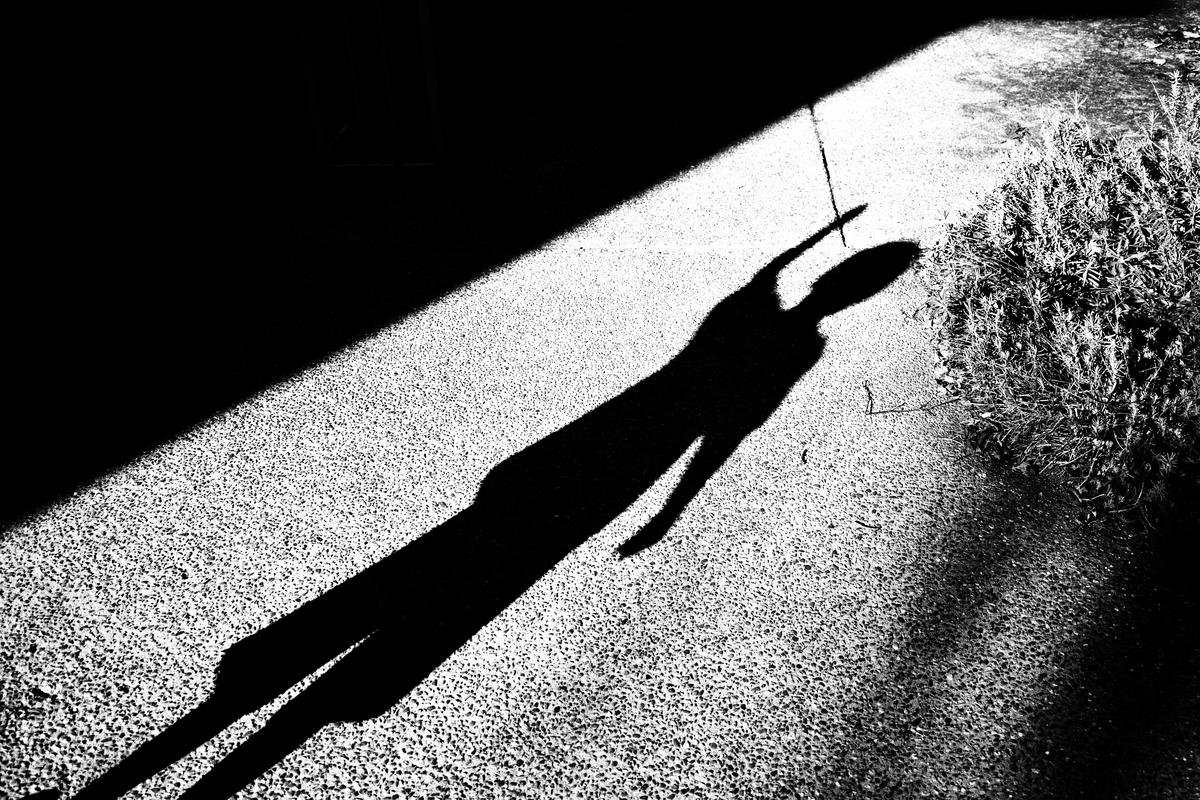
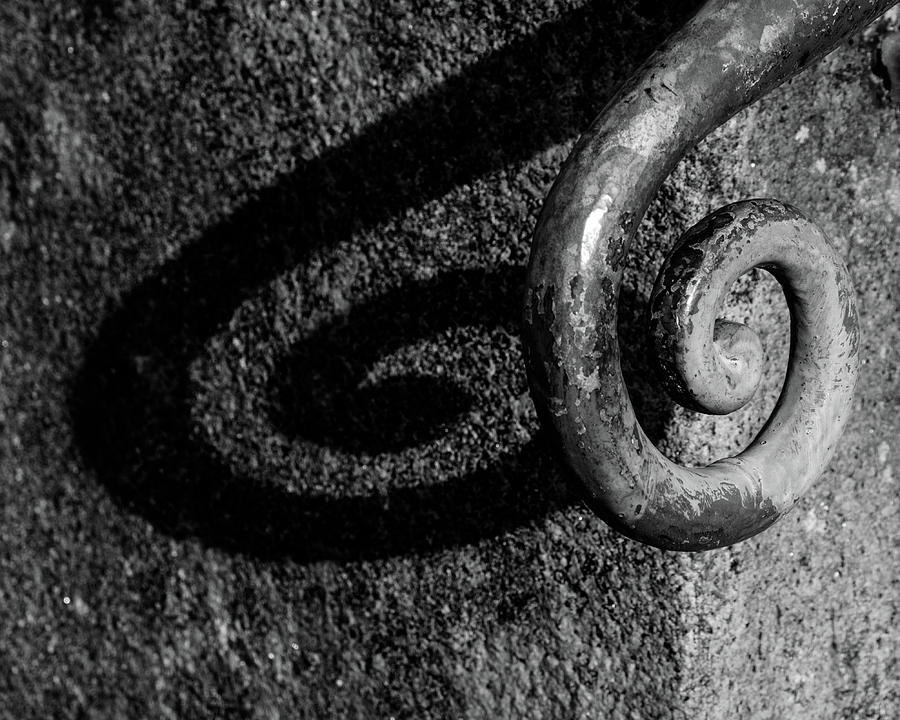


Make the shadows high contrast Black and White and next I will give a Photoshop demo of interesting ideas for the flowers.


Tuesday, April 9, 2019
Upload and Critique the Ozark Square Photographs
Download, Edit, and Post the Ozark Square Pictures from the field trip.
De-saturate and Adjust Levels to get the best possible image.
Your pictures should include:
4 City Scenes
4 Architectural Details - either Close ups or Textures
2-5 other Photos of your choice
10-15 photos total
If you have good shots of any of the following then you should post them also
Shadows
reflections
People - Environmental portraits
Animals
Plants or Nature


Next you will write TWO thorough critiques using the Critique Guide.
1. the first will be a critique of one of your pictures from field trip. Include a copy of the picture with your critique.
2. The second will be a critique of one of your classmates pictures from the field trip. Include the picture.
Here is a good example of a written critique:
http://jessicamphoto13afall16.blogspot.com/2016/09/personal-critique-of-ozark-square.html
De-saturate and Adjust Levels to get the best possible image.
Your pictures should include:
4 City Scenes
4 Architectural Details - either Close ups or Textures
2-5 other Photos of your choice
10-15 photos total
If you have good shots of any of the following then you should post them also
Shadows
reflections
People - Environmental portraits
Animals
Plants or Nature
Next you will write TWO thorough critiques using the Critique Guide.
1. the first will be a critique of one of your pictures from field trip. Include a copy of the picture with your critique.
2. The second will be a critique of one of your classmates pictures from the field trip. Include the picture.
Here is a good example of a written critique:
http://jessicamphoto13afall16.blogspot.com/2016/09/personal-critique-of-ozark-square.html
Monday, April 1, 2019
COC Art Show Submissions
The Central Ozarks Conference is having its annual art show next week in Branson.
I would like everybody to review all of your semester's work and post 3-5 of your best photographs in a new blog post .
The art teachers will decide which photos will be printed and displayed in the show.
Title the post: COC Photo submissions
I would like everybody to review all of your semester's work and post 3-5 of your best photographs in a new blog post .
The art teachers will decide which photos will be printed and displayed in the show.
Title the post: COC Photo submissions
Thursday, March 28, 2019
Upload Foggy Morning Pictures and In-Class review
This morning we will finish editing and upload the pictures from the foggy morning.
You must upload at least 5 interesting images that capture the feeling of the sun and fog.
Lets's take the first hour to finish this.
Next, I will set up a Still Life arrangement and we will practice and experiment with the Elements of Exposure to get an interesting photograph.
You must upload at least 5 interesting images that capture the feeling of the sun and fog.
Lets's take the first hour to finish this.
Next, I will set up a Still Life arrangement and we will practice and experiment with the Elements of Exposure to get an interesting photograph.
Tuesday, March 26, 2019

Wednesday, March 20, 2019
Cropping Photographs
There are many times, in fact most times, when you will want to Crop a picture you take. to crop means to cut out the areas of a picture you do not want. it is used to help create a definite focal point, or point of interest, and can also be used to adjust your picture so that it complies with the Rule of Thirds.
Tools used:
Crop Tool
Ratio
View menu
Ratio
View menu
I will give a demonstration of these tools in class, and you can find a detailed tutorial at the site below:
Your task today is to select 1 photo you have taken and crop them according to the Rule of Thirds.
You may choose the Ratio, but state which Ratio you have chosen in the blog post.
Include the original version of the Photograph.
Here is an example below.
Cropping Assignment
Original Uncropped

Cropped . Original Ratio, Rule of Thirds

You may choose the Ratio, but state which Ratio you have chosen in the blog post.
Include the original version of the Photograph.
Here is an example below.
Cropping Assignment
Original Uncropped

Cropped . Original Ratio, Rule of Thirds

Write 2 Critiques of the Hardware Store Pictures
Today you will write TWO thorough critiques using the Critique Guide.
1. the first will be a critique of one of your pictures from the Hardware Store. Include a copy of the picture with your critique.
2. The second will be a critique of one of your classmates pictures from the Hardware Store. Include the picture.
Here is a good example of a written critique:
http://jessicamphoto13afall16.blogspot.com/2016/09/personal-critique-of-ozark-square.html
1. the first will be a critique of one of your pictures from the Hardware Store. Include a copy of the picture with your critique.
2. The second will be a critique of one of your classmates pictures from the Hardware Store. Include the picture.
Here is a good example of a written critique:
http://jessicamphoto13afall16.blogspot.com/2016/09/personal-critique-of-ozark-square.html
Monday, March 18, 2019
Edit and Post Your Hardware Store Images
Download, Edit, and Post the Hardware Store Pictures from the field trip.
De-saturate (convert to B&W) and Adjust Levels to get the best possible image. You may also include the color version, but it is not required.
Use the Crop and Clone Tools to further edit your images
Your pictures should include:
Repetition
Details - either Close ups or Textures
You must upload at least 10 edited pictures.


De-saturate (convert to B&W) and Adjust Levels to get the best possible image. You may also include the color version, but it is not required.
Use the Crop and Clone Tools to further edit your images
Your pictures should include:
Repetition
Details - either Close ups or Textures
You must upload at least 10 edited pictures.
Tuesday, March 5, 2019
Elements of Exposure Review - Technical Challenges
This morning let's take some technically challenging photos that use all of the Elements of Exposure.
Take 4 correctly exposed Photos:
1. Freezing Action with Shallow Depth of Field
2. Motion Blur with Shallow Depth of Field
3. Freezing Action with Deep Depth of Field
4. Motion Blur with Deep Depth of Field
Post your photos with the description and settings and answer the following....
Which picture was easiest to capture and why?
Which picture was the most difficult to capture and why?
Take 4 correctly exposed Photos:
1. Freezing Action with Shallow Depth of Field
2. Motion Blur with Shallow Depth of Field
3. Freezing Action with Deep Depth of Field
4. Motion Blur with Deep Depth of Field
Post your photos with the description and settings and answer the following....
Which picture was easiest to capture and why?
Which picture was the most difficult to capture and why?
Tuesday, February 26, 2019
Add and Remove objects from a picture you have taken
Using the Clone/Stamp Tool, REMOVE at least 1 thing and ADD another. Use a picture that you have taken.
...look at the examples below
Original Photo


...look at the examples below
Original Photo

Retouched Photo

Friday, February 22, 2019
Retouching Using the Clone-Stamp Tool
Today we will work with a couple of tools to help improve minor imperfections in our photos.
Download the 2 photos below, retouch them, and upload the before and after pictures to your blog.


Download the 2 photos below, retouch them, and upload the before and after pictures to your blog.


Subscribe to:
Posts (Atom)
-
Sorry I am not with you today. Please complete your Final Portfolio this morning and check your grades for any work you still may need to ...
-
Examples of Design Principles in Photography Texture - Take a Close-up pic to capture rough, smooth, cracked, bumpy, etc Variety - Tak...
-
Today you will take pictures using the Rule of Thirds. You will need to post 6 examples of the Rule of Thirds to your blog. For each exampl...


